macOS application case study
Bulong
Private voice typing for the way you think. A native Mac app with on-device dictation, a personal dictionary, and reusable spoken snippets.
- Status
- Built
- Origin
- Codex + Independent
- Date
- 2026-07-29
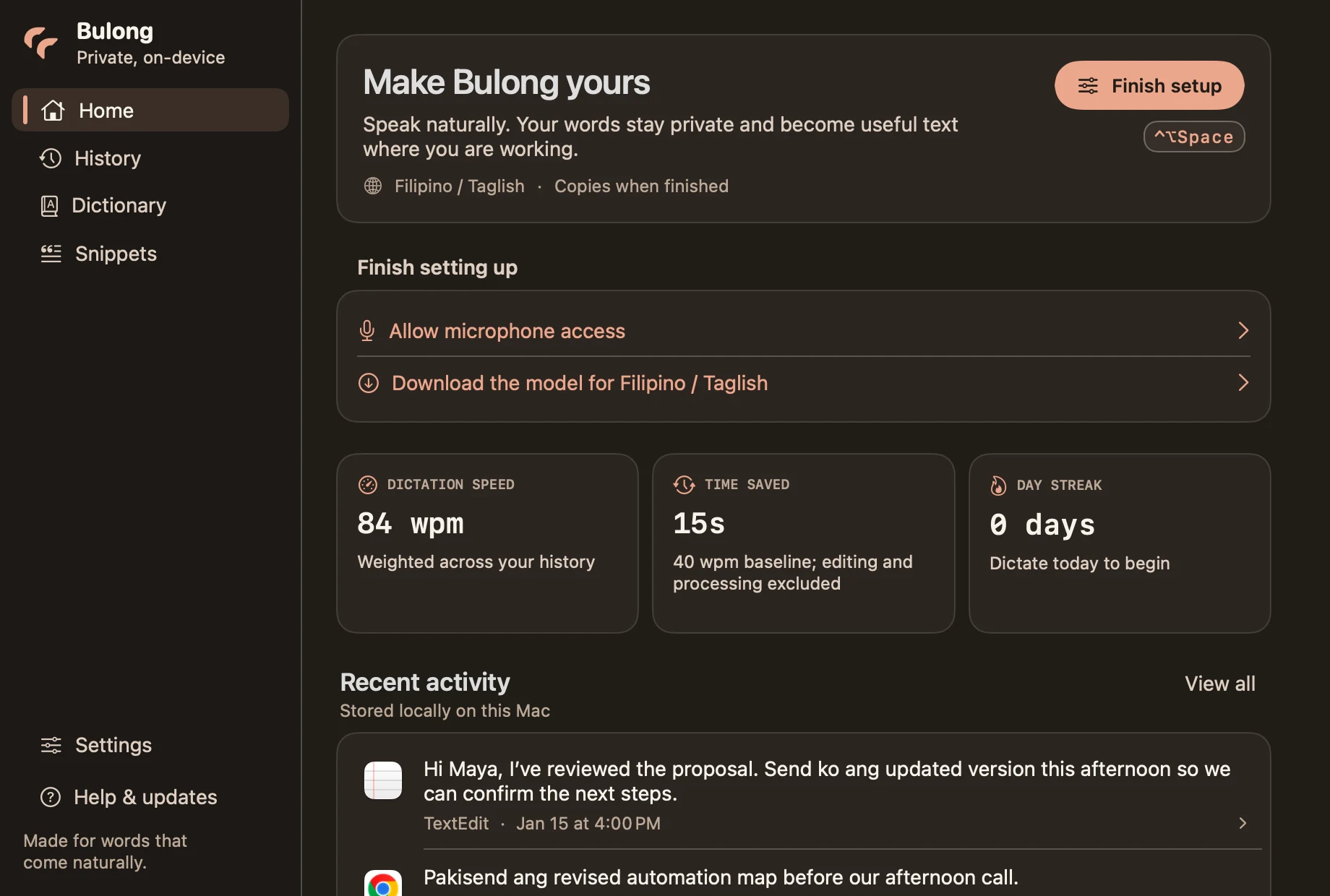
Bulong dashboard, rendered from the native app with synthetic transcripts and example statistics
Open full-size imageProject proof
A closer look
Explore the interface and the decisions built into it. Open any capture at full size to read the details.
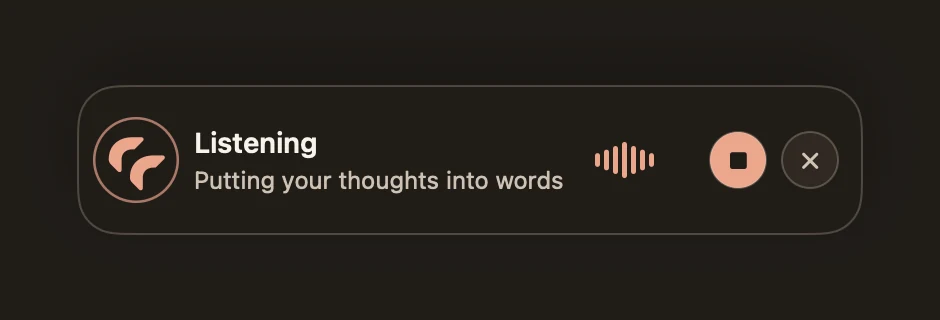
Bulong listening HUD. Native fixture preview; no live microphone recording
Open full-size image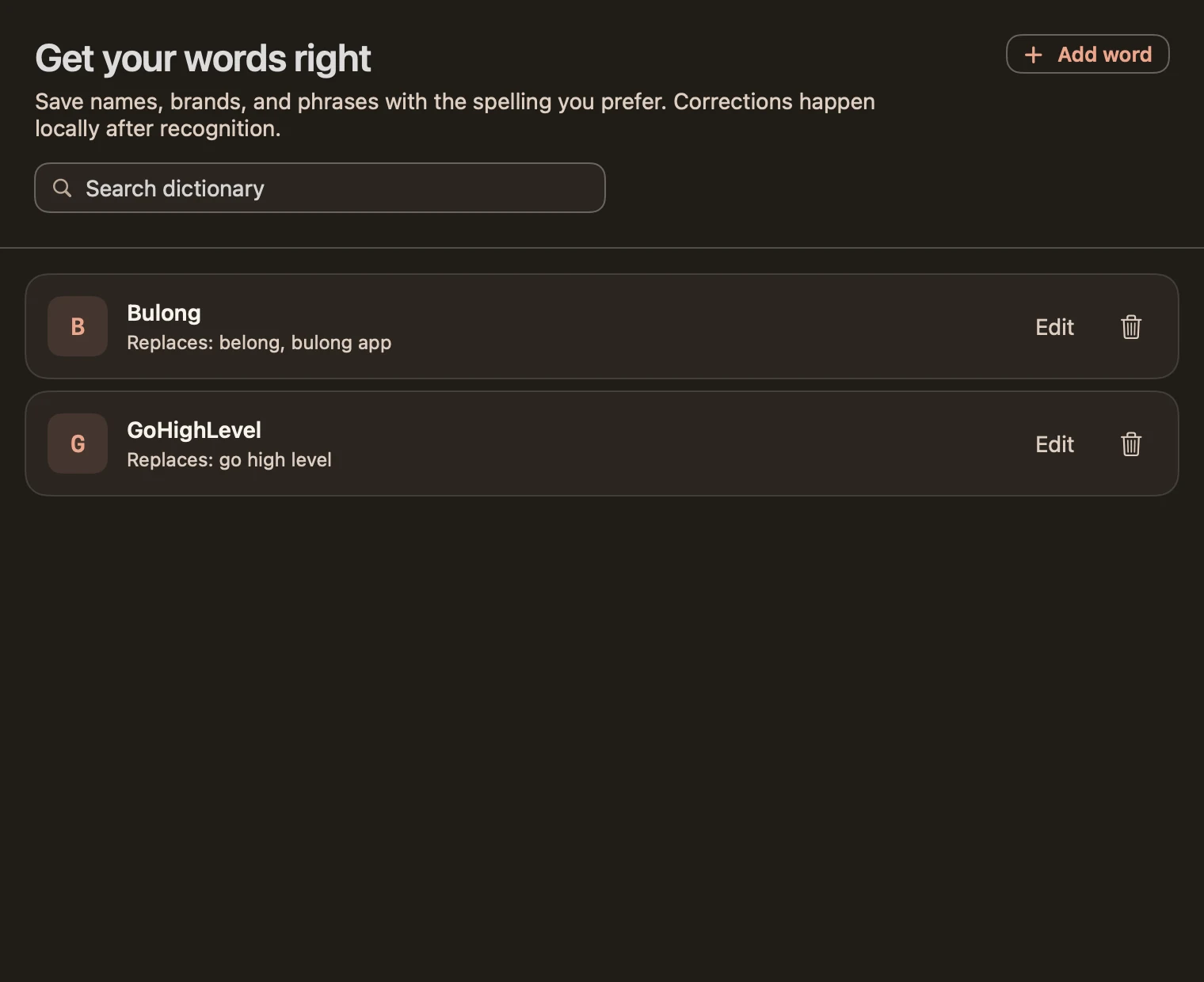
Personal dictionary with example preferred spellings. Native fixture preview
Open full-size image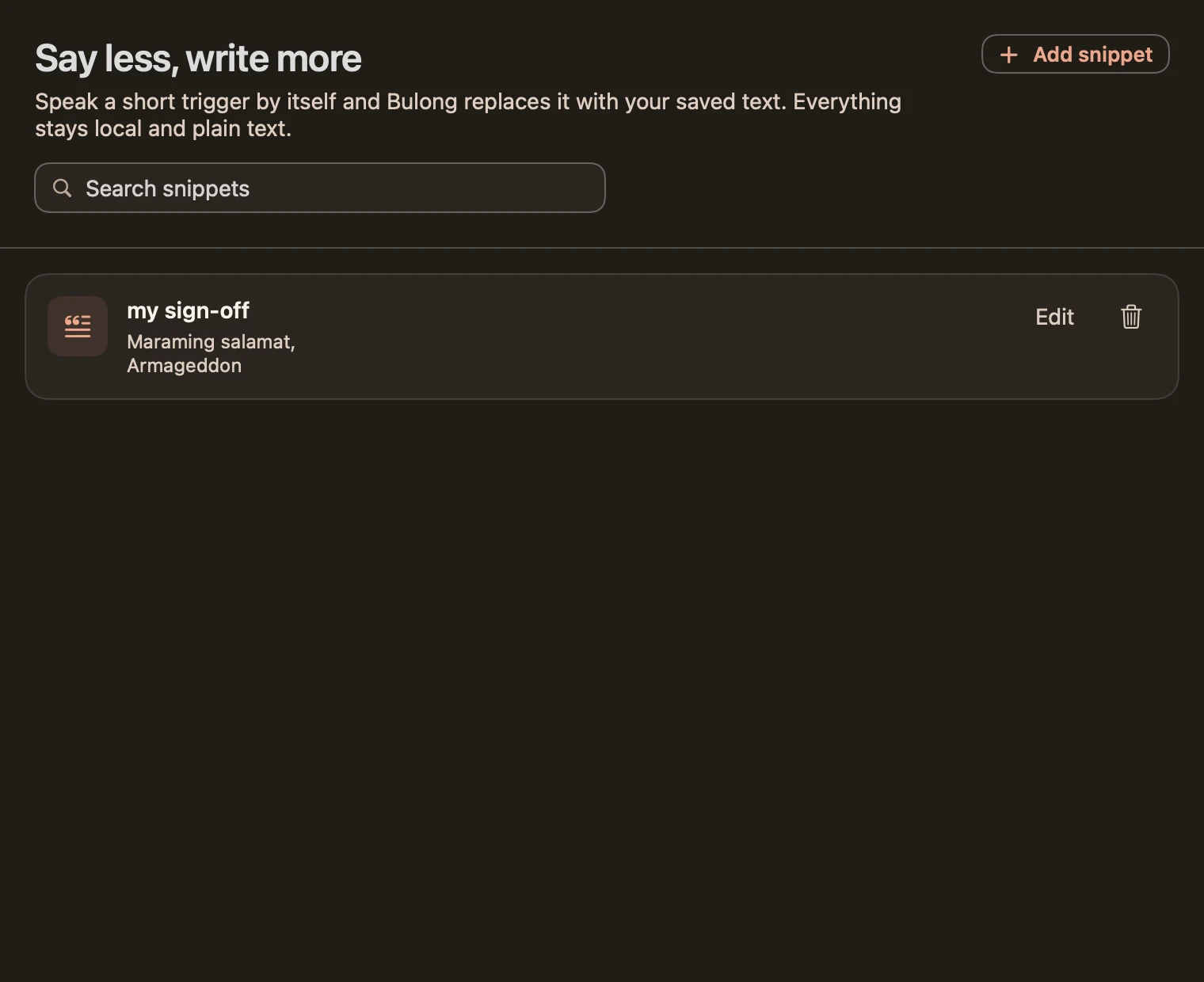
Spoken snippets with a synthetic sign-off. Native fixture preview
Open full-size imageChallenge
What needed to change
Switching between English and Filipino while writing can interrupt the thought you are trying to get down. Repeated phrases and names add more correction work.
System
How the system works
I built a native macOS application around local speech recognition, a compact recording HUD, searchable text history, preferred spellings, and snippets that expand a spoken trigger into saved text. The app handles setup, permissions, and copy-only fallback in the same interface.
- My contribution
- Native app interface, dictation flow, local personalization, testing, and release preparation
- Processing
- On-device transcription; dictionary and snippets are applied locally
- Privacy
- Text history stays on the Mac and is stored unencrypted
- Evidence
- September 6 native fixture captures, local build, and automated tests
Outcome
What is supported by the record
Bulong is built and installed locally. These screenshots render the real native views with synthetic data; their speed and time-saved figures are examples, not customer results. Public distribution remains pending. The latest UI review did not verify a new live-microphone Taglish recording or cross-app insertion.
Interface
Native macOS screens with synthetic demonstration data
Delivery
Built and installed locally; public distribution pending
Tools
Connected tools and methods
- Swift
- SwiftUI
- AppKit
- Local speech models
Next step